Windows has always evolved with the way people use computers. From simple task management in earlier versions to the highly visual and cloud-connected experience of Windows 11, each update has brought something meaningful. Now, Windows 12 is expected to take a major leap forward by deeply integrating artificial intelligence into the core of the operating system.
This is not just about adding a few AI tools on top. Windows 12 is shaping up to be a system where AI works quietly in the background, learns from your habits, and actively helps you get things done faster. For everyday users, professionals, and creators, this shift could change how computers are used on a daily basis.
A New Era of AI First Operating Systems

The biggest change with Windows 12 is the move toward an AI first design. Instead of treating AI as an optional feature, Microsoft is expected to build it into the foundation of the system. This means your PC will not only respond to commands but also anticipate what you need.
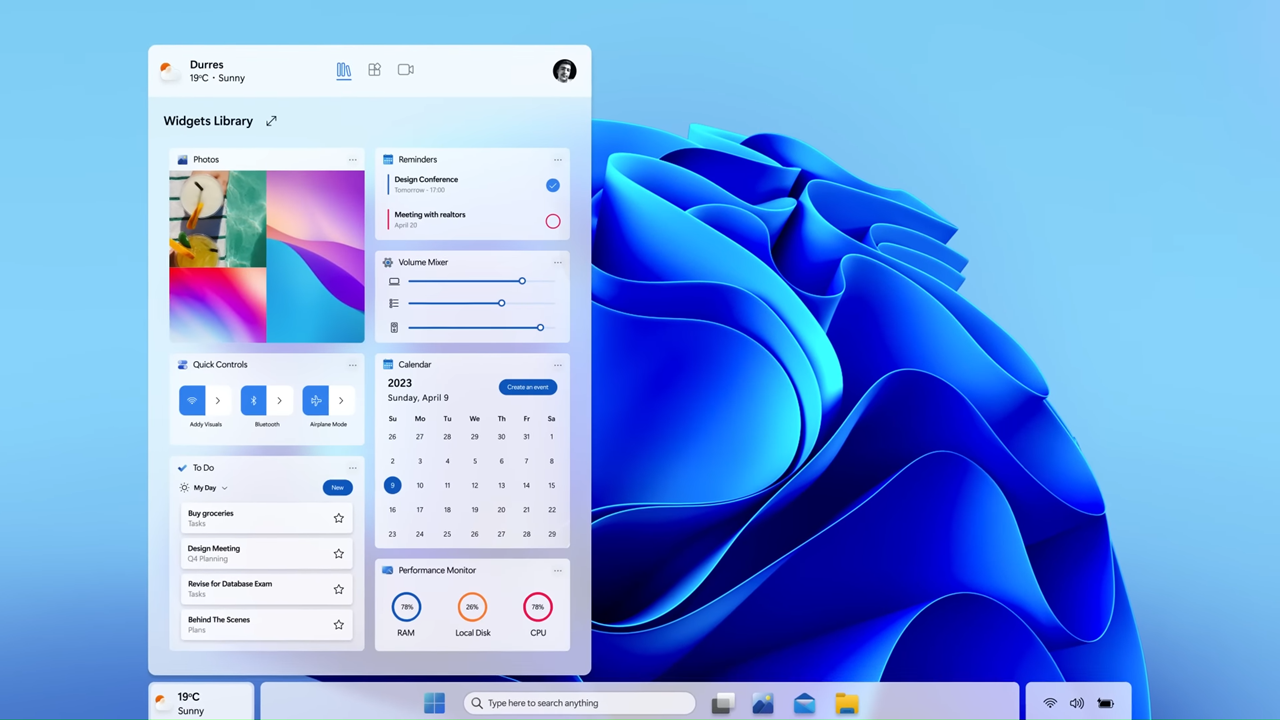
Imagine opening your laptop in the morning and seeing a personalized dashboard that already suggests files, emails, and tasks based on your routine. If you usually check reports or attend meetings at a certain time, Windows 12 could prepare everything in advance without you having to search for it.
This kind of smart interaction reduces time spent navigating menus and increases focus on actual work.
Built In AI Assistant Across the System
Windows 12 is likely to expand the role of AI assistants beyond what users have seen before. Instead of being limited to a single app, the AI assistant will be available system wide.
This assistant can help with:
- Writing emails or documents directly inside apps
- Summarizing long files or web pages
- Managing schedules and reminders
- Answering questions without opening a browser
For example, if you are working on a document, you can ask the AI to rewrite a paragraph, correct grammar, or even adjust the tone. The assistant becomes part of your workflow rather than a separate tool.
Smart File Management and Search
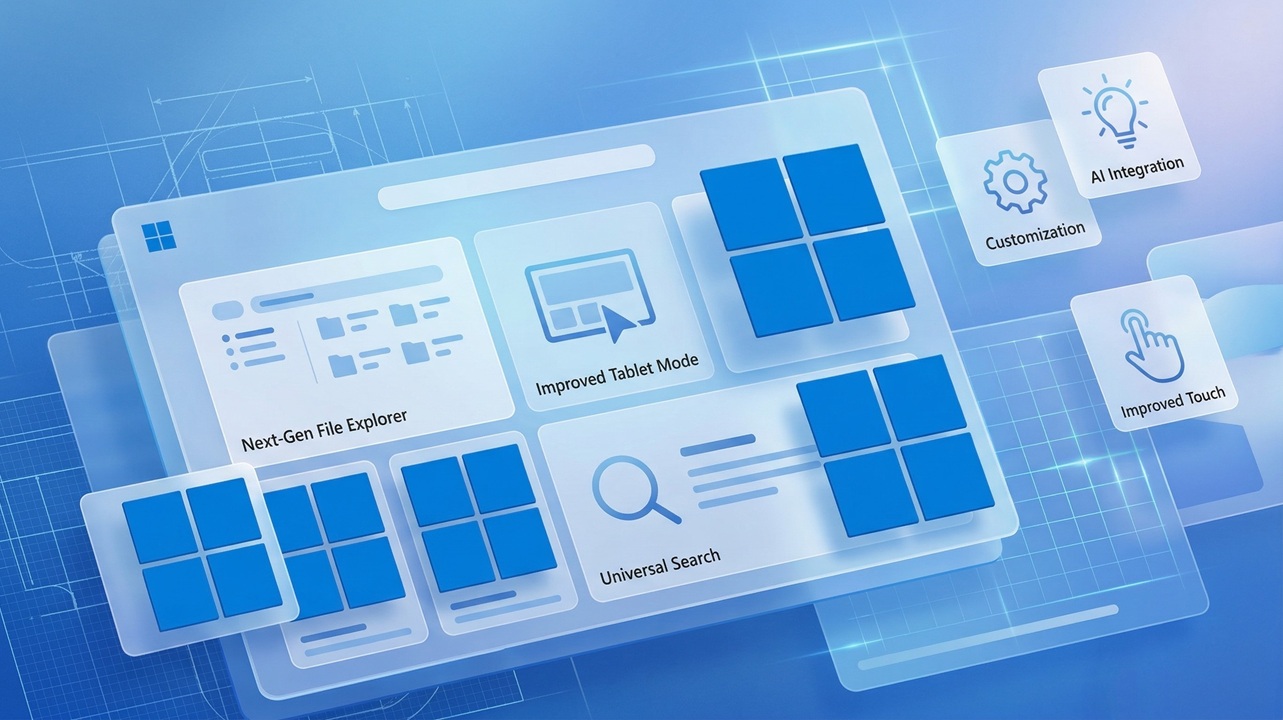
Searching for files has always been a challenge, especially when folders are cluttered. Windows 12 aims to solve this with AI powered search that understands context instead of just file names.
You could type something like “presentation I worked on last week about marketing” and the system would locate the correct file instantly. This is possible because AI can analyze content inside files, not just their titles.
File organization is also expected to improve. The system may automatically sort documents, images, and downloads into meaningful categories based on how you use them.
Personalized User Experience
One of the most practical uses of AI in Windows 12 is personalization. The system can learn your behavior over time and adjust settings automatically.
This includes:
- Adjusting brightness and performance based on usage
- Recommending apps you might need during specific tasks
- Prioritizing notifications that matter most
- Customizing layouts for different workflows
For instance, if you switch between work and entertainment modes, Windows 12 could change layouts, open relevant apps, and optimize system performance without manual adjustments.
AI Powered Security Enhancements
Security is another area where AI integration can make a real difference. Windows 12 is expected to use AI to detect unusual behavior and prevent threats before they cause damage.
Instead of relying only on traditional antivirus scans, the system can monitor patterns in real time. If something unusual happens, like an unknown app trying to access sensitive data, the system can block it instantly.
This proactive approach helps users stay protected without needing deep technical knowledge.
Improved Performance and Resource Management
AI can also play a key role in managing system resources. Windows 12 may use machine learning to understand which apps you use the most and allocate resources accordingly.
This means:
- Faster app launches
- Better battery life on laptops
- Reduced background processes
- Smoother multitasking
For example, if you often use a browser and a design tool together, the system can prioritize those apps to ensure they run smoothly.
Seamless Integration with Cloud and Devices
Modern computing is not limited to a single device. Windows 12 is expected to strengthen integration with cloud services and other devices.
AI can help sync your work across devices in a smarter way. If you start a document on your PC and later switch to a tablet or phone, the system can pick up exactly where you left off.
This continuity creates a more connected experience, especially for users who work across multiple platforms.
Smarter Updates and Maintenance
System updates are often seen as interruptions, but Windows 12 Iso File may change that experience. With AI, updates can be scheduled based on your usage patterns.
Instead of restarting your PC at inconvenient times, the system can choose moments when you are less active. It can also optimize updates to reduce installation time.
Maintenance tasks like disk cleanup and performance checks can happen automatically in the background.
AI for Creativity and Content Creation
Creators will likely benefit significantly from AI integration in Windows 12. Whether you edit videos, design graphics, or write content, AI tools can speed up the process.
Possible features include:
- Automatic image enhancement
- Video editing suggestions
- Real time transcription and translation
- Content generation assistance
These tools can help beginners get started while also saving time for experienced users.
Accessibility and Inclusive Design
AI has the potential to make technology more accessible. Windows 12 is expected to include smarter accessibility features powered by AI.
This could involve:
- Voice based navigation for hands free control
- Real time captions for audio and video
- Text to speech with natural sounding voices
- Visual assistance for users with impairments
Such features ensure that more people can use computers comfortably and efficiently.
Challenges and Considerations
While AI integration offers many benefits, it also raises important questions. Privacy is one of the biggest concerns. Since AI systems rely on user data to learn and improve, it is essential to ensure that this data is handled securely.
Users will likely want control over how much data is collected and how it is used. Transparency from Microsoft will be key in building trust.
Another consideration is system requirements. Advanced AI features may require more powerful hardware, which could limit access for users with older devices.
What This Means for Everyday Users
For most people, the shift to AI powered computing will feel gradual rather than overwhelming. You might first notice small improvements, like better search results or smarter suggestions. Over time, these features will become part of your daily routine.
The goal is not to replace human effort but to reduce repetitive tasks and make technology more intuitive. Whether you are a student, professional, or casual user, Windows 12 aims to simplify how you interact with your computer.
The Future of Windows with AI
Windows 12 represents more than just another update. It signals a broader shift toward intelligent systems that adapt to users instead of forcing users to adapt to them.
As AI continues to evolve, future versions of Windows could become even more personalized and efficient. Tasks that once required multiple steps might be completed with a single command or even automatically.
This transformation is still unfolding, but one thing is clear. The role of AI in operating systems is only going to grow, and Windows 12 is set to lead that change.