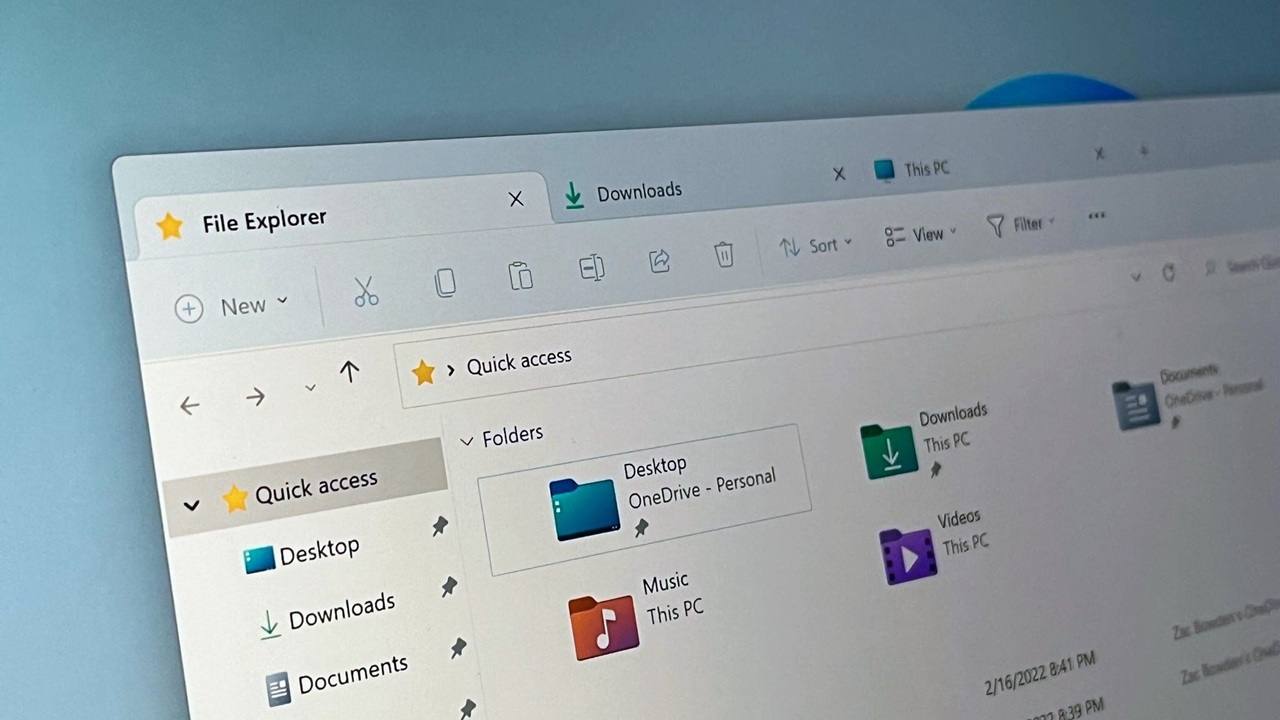
If you have been using Windows for a while, you already know that File Explorer is one of the most used tools in the entire operating system. Whether you are opening documents, organizing photos, or searching for files, it sits at the center of everyday tasks. But let’s be honest, it has not changed much in terms of intelligence. It still depends heavily on manual navigation and basic search.
That may finally be about to change.
Microsoft is now testing an AI powered File Explorer in Windows 11, and it could redefine how users interact with their files. Instead of just browsing folders, you may soon be able to ask your computer to find, organize, and even understand your content.
This is not just another visual update. It signals a deeper shift toward AI integrated workflows that aim to save time and reduce frustration. In this article, we will explore what this new AI File Explorer is, what features are expected, how it works, and why it matters for everyday users.
What Is AI File Explorer in Windows 11
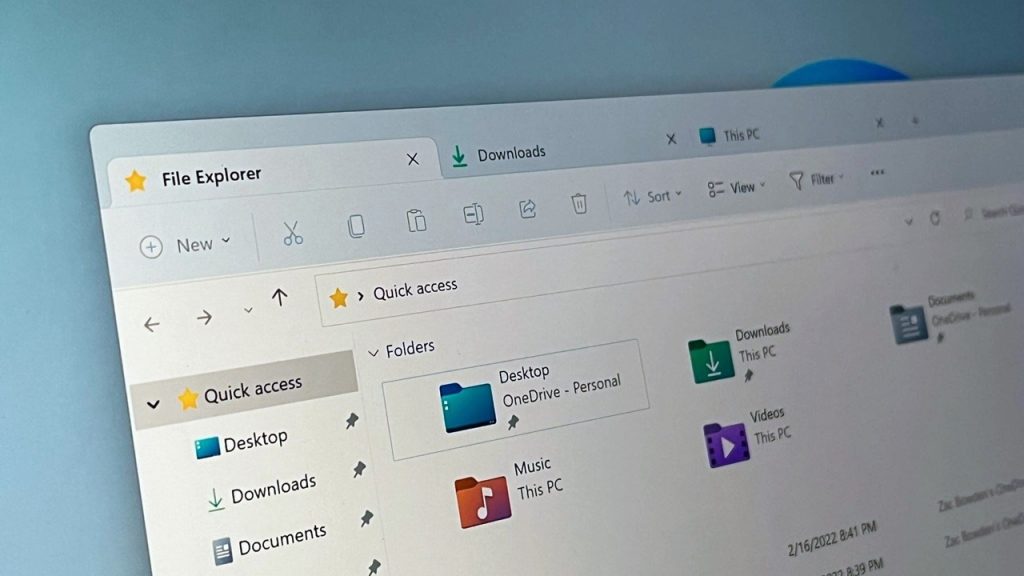
The AI File Explorer is essentially an upgraded version of the traditional File Explorer, enhanced with artificial intelligence capabilities. Instead of relying only on file names and folder structures, it uses contextual understanding to help you locate and manage files.
Think of it like this. Today, if you want to find a document, you either remember its name or the folder where it is stored. With AI, you could search using natural language like:
- “Find the presentation I worked on last week about marketing”
- “Show all images I downloaded yesterday”
- “Open the PDF I edited this morning”
The system interprets your intent rather than just matching keywords. This is where the biggest shift happens.
Microsoft has been gradually integrating AI into Windows through Copilot and other features, so bringing this capability to File Explorer is a logical next step.
Key Features Expected in AI File Explorer
1. Natural Language Search
One of the most talked about features is the ability to search using everyday language. You will not need exact file names anymore.
For example, instead of typing “report_final_v3.docx”, you can simply type:
“Final report I finished yesterday”
The AI will scan metadata, timestamps, and even file content to deliver accurate results.
This alone can save hours over time, especially for users who deal with large volumes of files.
2. Context Aware Suggestions
The AI File Explorer is expected to offer smart suggestions based on your activity.
If you frequently open certain files together, it might recommend them as a group. If you are working on a project, it could surface related documents, images, and folders automatically.
It is similar to how streaming platforms recommend content, but applied to your personal files.
3. Automatic File Organization
Keeping files organized is something most people struggle with. Over time, desktops and folders get cluttered.
With AI, Windows could automatically categorize files based on type, usage, and context. For example:
- Work related documents grouped together
- Personal photos sorted by events or dates
- Downloads automatically categorized
This reduces the need for manual sorting and helps maintain a cleaner system.
4. Smart File Previews
Another expected improvement is enhanced previews powered by AI.
Instead of opening files one by one, you might see summaries or previews directly within File Explorer. For example:
- A quick summary of a document
- Key highlights from a PDF
- Thumbnail previews with context for images
This makes it easier to identify files without opening them.
5. Deep Integration with Copilot
Microsoft Copilot is already becoming a core part of Windows 11. The AI File Explorer is likely to be tightly integrated with it.
You might be able to:
- Ask Copilot to locate files
- Get suggestions on what to do with files
- Automate tasks like renaming or organizing
This creates a more unified AI experience across the operating system.
6. File Content Understanding
AI File Explorer is not limited to file names and metadata. It can analyze the content inside files.
For example:
- Recognize topics inside documents
- Identify objects in images
- Understand text inside PDFs
This allows for much more powerful search and organization capabilities.
How AI File Explorer Works
At its core, the system relies on machine learning models that process both metadata and file content.
Here is a simplified breakdown:
- Data Analysis
The AI scans files for names, dates, types, and internal content. - Context Building
It builds a context around your usage patterns, such as frequently accessed files or recent activities. - Natural Language Processing
When you enter a query, the system interprets your intent rather than just matching keywords. - Result Ranking
It ranks results based on relevance, recency, and context.
Most of this processing may happen locally on your device for speed and privacy, although some features could use cloud based AI.
Real World Benefits for Users
Saves Time
Searching for files can be frustrating, especially when you cannot remember exact names. AI reduces this friction by understanding intent.
Reduces Clutter
Automatic organization means fewer messy folders and a cleaner workspace.
Improves Productivity
Quick access to relevant files helps you stay focused and work more efficiently.
Beginner Friendly
Not everyone is comfortable managing file systems. AI makes it easier for new users to navigate their files.
Potential Concerns and Challenges
While the AI File Explorer sounds promising, it is not without concerns.
Privacy Issues
Since AI analyzes file content, users may worry about how their data is handled.
Microsoft will need to ensure:
- Strong local processing options
- Clear privacy settings
- Transparency about data usage
Performance Impact
AI features can consume system resources. On older devices, this might lead to slower performance.
Microsoft will likely optimize the feature, but hardware requirements could increase.
Accuracy Limitations
AI is not perfect. There may be cases where:
- Search results are incorrect
- Files are miscategorized
- Suggestions feel irrelevant
Over time, updates and user feedback should improve accuracy.
When Will AI File Explorer Be Released
As of now, the AI File Explorer is in testing, likely within Windows Insider builds.
Microsoft typically rolls out major features in phases:
- Early testing with Insider users
- Gradual rollout in updates
- Full release in a major Windows update
Based on current trends, we may see a wider release sometime in late 2026 or early 2027.
However, timelines can change depending on testing results and user feedback.
How to Try It Early
If you want to experience new features before they are publicly released, you can join the Windows Insider Program.
Steps include:
- Go to Windows Settings
- Navigate to Windows Update
- Select Windows Insider Program
- Choose a channel such as Dev or Beta
Keep in mind that Insider builds may have bugs and are not always stable.
Comparison with Traditional File Explorer
| Feature | Traditional File Explorer | AI File Explorer |
|---|---|---|
| Search | Keyword based | Natural language |
| Organization | Manual | Automatic |
| Suggestions | None | Context aware |
| File Understanding | Limited | Deep content analysis |
| Productivity | Basic | Enhanced |
This comparison shows how big of a leap AI integration could be.
Why This Matters for the Future of Windows
The introduction of AI into File Explorer is more than just a feature update. It reflects a broader shift in computing.
Operating systems are moving from tools that require commands to assistants that understand intent.
In the future, you may not need to navigate folders at all. Instead, you will simply ask your computer for what you need.
This aligns with Microsoft’s vision of integrating AI across all aspects of Windows, from search to productivity tools.
Expert Insight and Industry Perspective
Many tech experts see this as a natural evolution.
With the rise of AI tools like ChatGPT and Copilot, users are becoming more comfortable interacting with systems using natural language.
Competitors like Apple and Google are also investing heavily in AI driven file management and search.
This means we can expect rapid innovation in this space over the next few years.
Tips to Prepare for AI Powered File Management
Even before AI File Explorer becomes mainstream, you can take steps to make the transition smoother:
- Keep your files organized with clear naming conventions
- Remove duplicate or unnecessary files
- Use consistent folder structures
- Regularly update your system
These habits will help AI systems work more effectively.
Conclusion
The AI powered File Explorer in Windows 11 represents a significant step forward in how we interact with our files. By introducing natural language search, smart organization, and contextual understanding, Microsoft is aiming to simplify one of the most fundamental aspects of computing.
While there are still challenges to address, the potential benefits are hard to ignore. Faster searches, better organization, and a more intuitive experience could make everyday tasks much easier.
If you have ever struggled to find a file or keep your folders organized, this update could feel like a major upgrade.
As testing continues, it will be interesting to see how Microsoft refines these features and how users respond. One thing is clear: the future of file management is becoming smarter, and Windows 11 is leading that change.
Leave a Reply