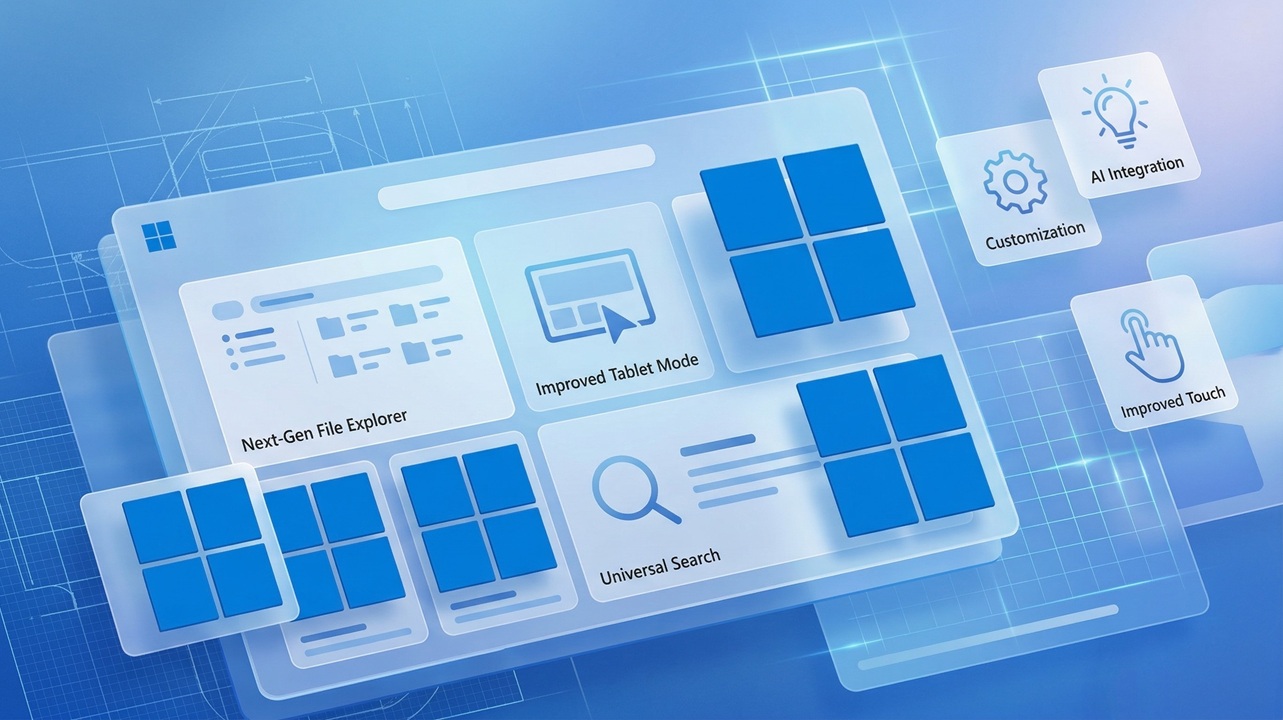
Windows has always evolved quietly in the background of our daily work, but every few years, Microsoft makes a leap that changes how we interact with our computers. Windows 12 is shaping up to be one of those major leaps. While Microsoft has not officially announced every detail yet, a mix of insider reports, developer hints, and industry trends paints a clear picture of what we can expect.
If you are someone who relies on Windows for work, gaming, or everyday browsing, understanding what Windows 12 might bring can help you prepare early and make smarter upgrade decisions.
A New Direction for Windows

Microsoft has been gradually shifting Windows from a traditional operating system into something more intelligent and cloud connected. Windows 11 introduced design changes and tighter hardware requirements, but Windows 12 is expected to go much further.
Instead of just improving performance and visuals, the focus now seems to be on making the system smarter, more adaptive, and deeply integrated with artificial intelligence. This change reflects how people use computers today. We no longer just run programs. We expect systems to assist us, automate tasks, and understand context.
Windows 12 appears to be built around that idea.
Expected Release Timeline
Microsoft typically follows a predictable cycle when it comes to major Windows releases. Based on previous patterns and industry leaks, Windows 12 is expected to launch sometime in late 2025 or early 2026.
Here is a realistic breakdown of the timeline:
Early previews likely began with internal builds and developer testing in 2024
Public insider builds started appearing in limited channels during 2025
A broader rollout is expected between October 2025 and March 2026
If you have followed past releases, this approach will feel familiar. Microsoft usually tests heavily before pushing updates to the general public.
It is also likely that Windows 12 will roll out in phases. Not every device will receive it on day one. Compatibility, hardware readiness, and region may affect availability.
A Fresh User Interface Experience
One of the first things users notice in any new Windows version is the interface. Windows 12 is expected to introduce a cleaner and more flexible design.
Instead of the fixed layouts we are used to, the interface may become more modular. This means different elements such as the taskbar, widgets, and system panels could adapt based on how you use your device.
Some expected UI improvements include:
A floating taskbar that adjusts based on screen size
A smarter Start menu with personalized suggestions
Dynamic widgets that update based on your behavior
Improved multi desktop navigation
The goal here is not just aesthetics. It is about reducing clutter and making everyday actions faster.
From early concepts, the design feels lighter, less crowded, and more responsive.
AI Integration at the Core
If there is one feature that defines Windows 12, it is artificial intelligence.
Microsoft has already started integrating AI into Windows 11 through tools like Copilot, but Windows 12 is expected to take this much further. AI will not just be an optional feature. It will be deeply embedded into the system.
Here is what that could look like in real use:
You ask your PC to organize files, and it does it automatically
The system suggests replies while you type emails or documents
Background tasks like updates and cleanup happen without manual input
Search becomes conversational instead of keyword based
Imagine opening your laptop and simply typing, “Find the document I worked on last week about budget planning,” and getting instant results without digging through folders.
That is the level of interaction Windows 12 is aiming for.
Improved Performance and Efficiency
Performance improvements may not always be visible, but they are often the most important.
Windows 12 is expected to be more efficient in how it uses system resources. This includes better memory management, faster boot times, and improved battery life for laptops.
Microsoft is reportedly working on optimizing the operating system for modern hardware, especially systems with AI chips and advanced processors.
Users can expect:
Faster startup times
Reduced background resource usage
Better performance on both high end and mid range devices
Improved battery efficiency for portable devices
For everyday users, this simply means a smoother experience with fewer slowdowns.
Cloud Integration and Flexibility
Another major shift is how Windows interacts with the cloud.
Download Windows 12 Iso is expected to rely more heavily on cloud services, allowing users to access files, settings, and even apps from anywhere. This does not mean everything will move online, but the system will be more flexible.
For example:
You could start working on a document on your desktop and continue on a laptop without manual syncing
Your settings and preferences could follow you across devices
Cloud based backups may become more seamless
This approach is especially useful for people who work across multiple devices or locations.
Enhanced Security Features
Security has become a major concern in recent years, and Microsoft is likely to make it a central part of Windows 12.
Building on the strict requirements introduced in Windows 11, the new version may include even stronger protections.
Expected security improvements include:
Better protection against malware and ransomware
Enhanced hardware level security features
Smarter threat detection powered by AI
Stronger user authentication methods
While these features may run quietly in the background, they play a critical role in keeping your data safe.
Gaming Enhancements
For gamers, every Windows update brings some level of excitement.
Windows 12 is expected to improve gaming performance through better resource management and tighter integration with gaming technologies.
Possible improvements include:
Faster loading times with advanced storage optimization
Better graphics performance with updated drivers and APIs
Enhanced support for cloud gaming
Improved compatibility with new gaming hardware
Microsoft has been investing heavily in gaming, and Windows 12 is likely to reflect that focus.
System Requirements and Compatibility
If Windows 11 taught us anything, it is that Microsoft is willing to raise hardware requirements.
Windows 12 may continue this trend, especially if it relies heavily on AI features. Systems with modern processors, sufficient RAM, and security chips are likely to be required.
While exact specifications are not confirmed, you can expect:
A modern processor from recent generations
At least 8 GB of RAM for smooth performance
SSD storage for faster operations
Support for advanced security features
Older devices may still run Windows 12, but they might not support all features.
Will Windows 12 Be a Free Upgrade
One of the most common questions is whether Windows 12 will be free.
Based on previous releases, Microsoft may offer it as a free upgrade for eligible Windows 11 users. However, this will depend on hardware compatibility and licensing.
Businesses and enterprise users may have different upgrade paths, often tied to subscription models.
For individual users, it is likely that if your system supports it, you will not need to pay separately.
How Windows 12 Could Change Daily Use
It is easy to focus on features, but the real question is how Windows 12 will feel in everyday use.
If Microsoft delivers on its vision, the experience will be more intuitive. Tasks that currently take several steps could become automatic. Searching, organizing, and even troubleshooting might feel more like having a conversation than navigating menus.
For example, instead of opening multiple settings to fix an issue, you might simply ask the system to resolve it. Instead of manually sorting files, the system might suggest organization based on your habits.
This shift may take some getting used to, but it has the potential to save time and reduce frustration.
Early Impressions and Expectations
Even before its official release, Windows 12 has generated strong interest. The combination of AI integration, design improvements, and performance upgrades makes it one of the most anticipated operating system updates in years.
At the same time, expectations should remain realistic. Not every feature will be perfect at launch. Some may evolve over time through updates.
That said, Microsoft seems committed to pushing Windows into a smarter and more adaptive future.
Should You Wait for Windows 12
If you are currently using Windows 10 or Windows 11, you might be wondering whether to upgrade now or wait.
If your system runs smoothly and meets modern requirements, waiting for Windows 12 could be a good choice. You will likely benefit from better performance and more advanced features.
However, if your current setup feels slow or outdated, upgrading to Windows 11 now can still provide noticeable improvements.
Ultimately, the decision depends on your needs and hardware.
Final Thoughts
Windows 12 is not just another update. It represents a shift in how operating systems are designed and used.
With AI at its core, a more flexible interface, and deeper cloud integration, it aims to make computing simpler and more intuitive. While some details are still uncertain, the overall direction is clear.
For users, this means a system that does more of the heavy lifting, allowing you to focus on what matters most.
As the release approaches, keeping an eye on official announcements and early previews will help you stay prepared. Whether you are a casual user or someone who depends on Windows daily, Windows 12 is worth paying attention to.